
About this example: This sample demonstrates the blog layout. Adapt the content to your business before publishing your own article.
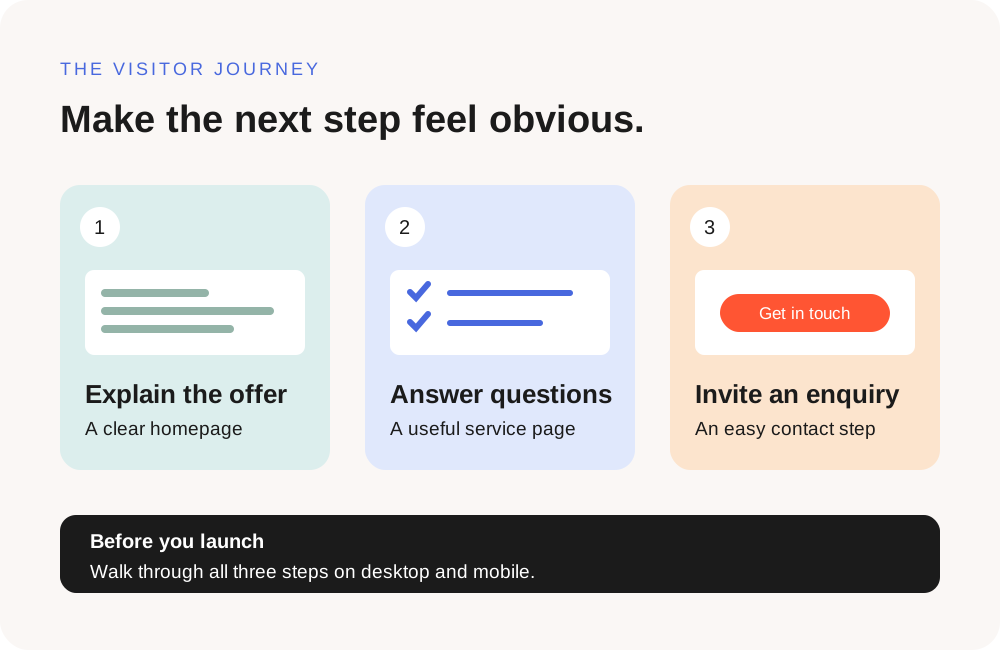
1. Make the first screen clear
Read the headline and introduction without looking at the rest of the page. Can a new visitor tell what you offer, who it is for, and what to do next? Replace vague promises with a plain description of your service.
For example, a headline such as “Garden maintenance for busy homeowners” gives readers a clearer starting point than “Discover the difference.” Follow it with a short explanation of the work you do.
2. Give each page a useful job
A small website can be helpful without being complicated. Start with the information a visitor needs to decide whether to get in touch.
- Home: introduce your offer and direct visitors to the right page.
- Services: explain what is included and how the process works.
- About: introduce the people behind the business using accurate details.
- Contact: make the next step easy to find and complete.
A simple page-planning table
Use this example to decide what each page needs. On a small screen, scroll the table sideways to see all three columns.
| Page | Visitor question | Useful next step |
|---|---|---|
| Home | Is this the right business for me? | Explore a relevant service. |
| Service | What is included, and how does it work? | Read the process or request a quote. |
| About | Who will I be working with? | Meet the team and see their experience. |
| Contact | How do I start a conversation? | Send an enquiry or call. |
3. Read the content out loud
Long sentences and repeated phrases are easier to notice when you read them aloud. Give each section one main point, use descriptive headings, and remove any copy that does not help a visitor understand the offer.
Check names, opening hours, service areas, and contact details against your current business information. Replace example prices, images, and testimonials with approved material.
4. Try the site on a phone
Open the navigation, follow the main links, and read an entire page on a narrow screen. Headings should fit comfortably, body text should be readable, and buttons should be easy to tap.
- Open and close the mobile menu.
- Check that every card leads to the page its title describes.
- Look for sideways scrolling or content hidden behind fixed elements.
- Complete a test enquiry and confirm that it arrives at the intended destination.
5. Do one final visitor walkthrough
Start on the homepage and follow the route a potential customer might take: read a service page, learn about the business, then find the contact form. Make a note whenever the next step feels unclear.
After the site is live, repeat that walkthrough on the public address. Check that images load, links open the right pages, and the contact process still works.
You do not need to finish every future improvement before launching. Start with a clear, useful site, then refine it as you learn which questions your visitors ask.
Common questions before launch
Do I need a large website to get started?
Start with the pages that answer your customers’ main questions. A small set of accurate, useful pages is a reasonable starting point; add more when there is a clear need.
What should I check after publishing?
Repeat your visitor walkthrough on the public address. Test the menu, page links, images, and contact form, and confirm that the test enquiry reaches you.
Does completing this checklist mean my site has been audited?
No. It records the checks you select. It does not inspect your website or verify technical performance, accessibility, security, or search visibility.